

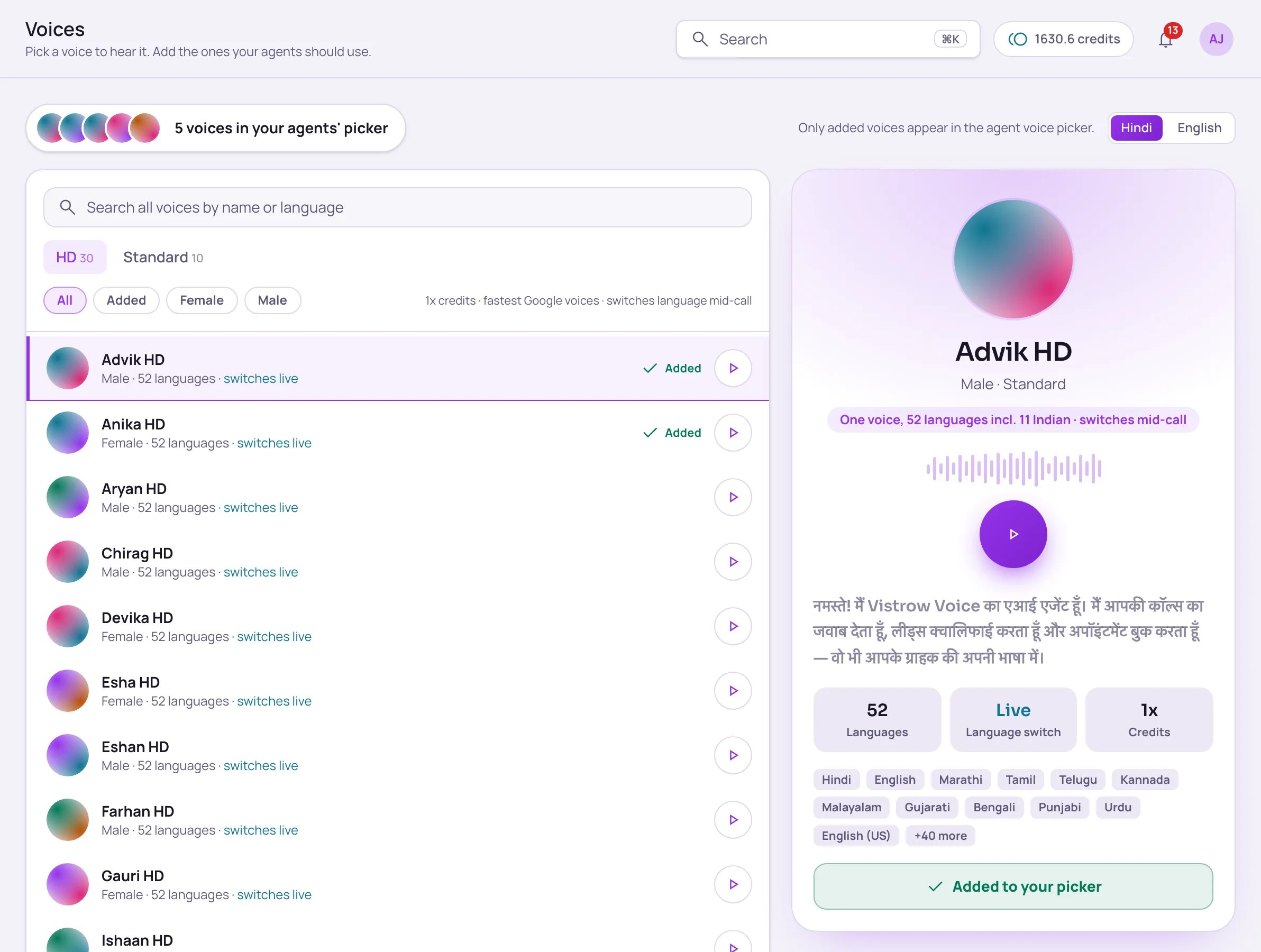
The Voices page (under Build in the sidebar) is where you listen to every voice and choose which ones your agents can use. Only voices you add here show up in an agent’s Voice picker.
Voices page showing the HD tab with 30 voices and Standard with 10, filters for All, Added, Female and Male, a list of HD voices, and a spotlight panel for Advik HD with its languages and an Added to your picker button

The Voices page: HD and Standard tabs with the voice list on the left, and the selected voice on the right.

The voice families

Credit rates assume the default Vistrow Bharat model. See Billing.
Not sure which to pick? Start with an HD voice. New workspaces begin with a few voices already added, including Myra HD and Kiara HD.

Preview and add a voice

1

Find a voice

Pick the HD or Standard tab, or use Search all voices by name or language. Narrow the list with the filters: All, Added, Female or Male.
2

Listen

Click any row to play its sample. Click it again to pause. Use the Hindi / English switch to hear the sample in either language.
3

Add it

Click Add to your picker. The voice now appears in the Voice dropdown on every agent’s Voice & language tab.
To take a voice out of the picker, select it and click Added to your picker — it changes to Remove from picker when you hover over it. Removing a voice doesn’t change agents that already use it.
The Added filter shows every voice in your picker, across both tabs.