

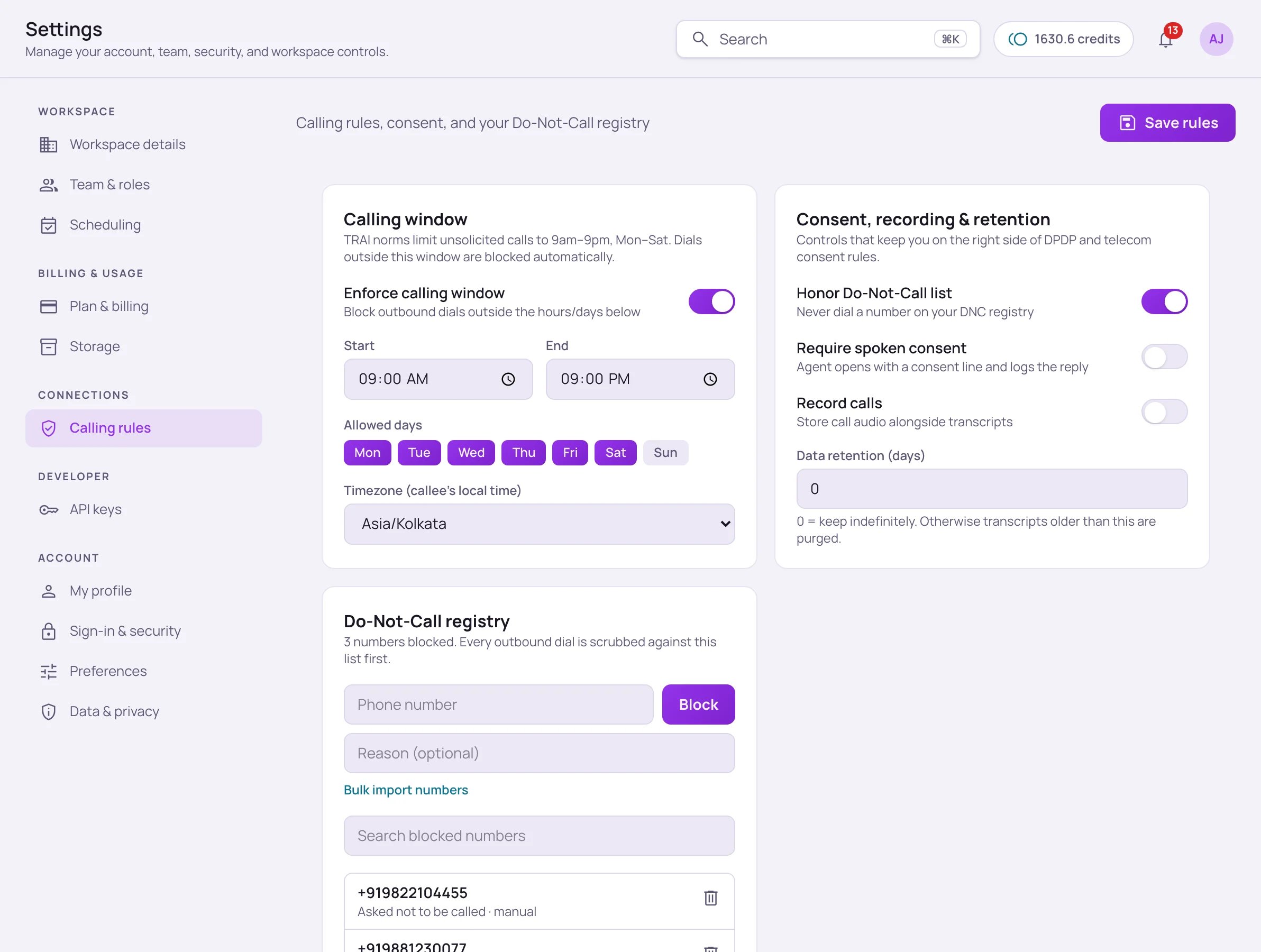
Find these under Settings → Calling rules. They apply across every number and every outbound campaign on your account.
Calling rules tab with the Calling window card (enforce toggle, start and end times, allowed days, timezone), the Consent, recording and retention card, and the Do-Not-Call registry with blocked numbers

Settings → Calling rules: the calling window, consent, recording and retention, and the Do-Not-Call registry. Click Save rules after a change.

Calling window

TRAI norms limit unsolicited calls to 9am–9pm, Monday–Saturday. With Enforce calling window on, Vistrow Voice blocks outbound dials automatically outside the start/end time and allowed days you configure, evaluated in the callee’s local timezone.
If you’re subject to India’s DPDP Act or a similar data-minimization requirement, set a real retention window here rather than leaving it at 0 — see your Privacy Policy for how Vistrow Voice itself handles retention and deletion requests.

Do-Not-Call registry

Add numbers one at a time with Block, or use Bulk import numbers for a list. Every outbound dial — from a campaign or a one-off test call — is scrubbed against this list first.